Designing Arabic-English Patient Apps for Saudi Clinics
What genuine bilingual design means for a Saudi clinic patient app, beyond translation, into RTL layout, cultural tone, and dual-script data handling.
Key takeaways
- Genuine bilingual patient app design requires a native right-to-left layout and Arabic-optimized typography, rather than mirroring an English template or relying on UI translation alone.
- Data entry fields must reliably accept and display mixed Arabic and Latin scripts, including patient names, addresses, and medication entries, without character corruption.
- Saudi clinics serving predominantly Arabic-speaking patient bases should default their mobile interface to Arabic rather than forcing patients to manually opt in.
Reviewed by the CareSync Medical Team · Last reviewed
On this page
By CareSync Team
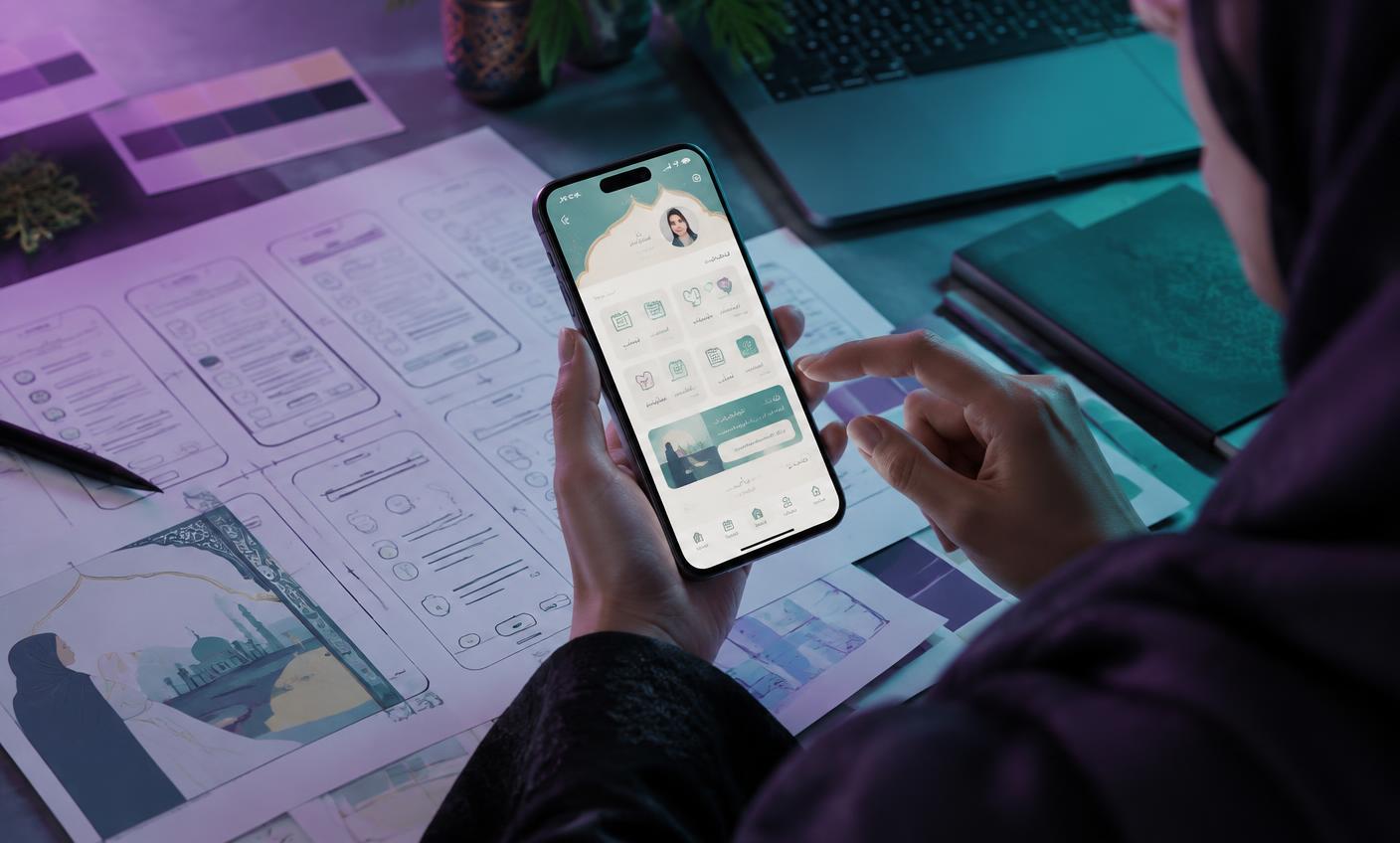
Genuine bilingual design means a right-to-left (RTL) layout built natively for Arabic — not an English template mirrored at the last step — plus culturally appropriate tone, and data fields that handle both Arabic and Latin-script entries (names, addresses) without breaking. Most patients notice the difference between a translated app and a bilingual one within the first few screens, even if they can't articulate exactly what feels off.
Why "translated" isn't the same as "bilingual"
A translated app takes an English-first design and swaps the text for Arabic, often applying RTL as a late-stage mirror of a layout designed for left-to-right reading. The result looks technically bilingual but feels subtly wrong: icons positioned for LTR reading flow, text that truncates awkwardly in Arabic's different character widths, and a visual hierarchy that was never designed with Arabic typography in mind.
What genuine bilingual design requires
| Element | What "done right" looks like |
|---|---|
| RTL layout | Designed natively for right-to-left, not mirrored from an LTR template |
| Arabic typography | A typeface and sizing chosen for Arabic script legibility, not reused from the English design |
| Date and calendar conventions | Clear handling of Gregorian dates (and Hijri where relevant to the patient) |
| Name and address fields | Data entry that accepts and displays both Arabic and Latin script without corruption |
| Notification tone | Arabic copy written natively for the register, not translated phrase-by-phrase from English |
Common mistakes clinics make when going bilingual
- Hiring an English-first design team and treating Arabic as a localization pass added at the end
- Assuming a professional translation of UI text is sufficient without a native Arabic design review of the resulting layout
- Using a font that renders Latin script well but is poorly optimized for Arabic character shaping
- Defaulting every patient to English and making Arabic an opt-in toggle, rather than defaulting to the patient's actual preference
FAQ
Does RTL support just mean flipping the layout horizontally? No — a true RTL layout considers reading flow, icon placement, and where visual emphasis naturally falls in Arabic, not just a mirror-image of the English screen.
Should the app default to Arabic or English? This should reflect the clinic's actual patient base — a Saudi clinic serving primarily Arabic-speaking patients should default to Arabic, with English as the explicit choice, not the reverse.
Is it enough to translate the UI if the design team isn't Arabic-native? Not ideally — translation handles the words, but a native Arabic design review catches issues translation alone misses: truncation, visual hierarchy, and tone.
A bilingual readiness checklist
Use these questions to test whether a patient app is genuinely bilingual or merely translated:
- Switch the app to Arabic and complete a full booking — does every screen, button, error message and confirmation read naturally?
- Check whether notifications and reminders arrive in the patient's chosen language, not the clinic's default
- Enter a patient name in Arabic and verify it displays correctly in lists, receipts and reminders
- Ask how the vendor handles mixed-script content, such as an Arabic message containing an English medication name
- Confirm the Arabic interface was reviewed by a native speaker, not only machine-translated
An app that passes all five checks will feel local to Saudi patients; one that fails any of them will feel foreign within minutes.
Related reading
If this topic is on your clinic's agenda, these related guides go deeper on the decisions around it — each is written for healthcare teams in Saudi Arabia and the GCC and follows the same evidence-qualified approach:
- Arabic AI and Patient Engagement in Saudi Arabia
- White-Label Clinic Apps vs. Clinic Management Systems
- Patient Retention and No-Shows in Saudi Clinics
How CareSync fits
CareSync Clinic is the CareSync platform configured for clinics in Saudi Arabia and the GCC: a branded patient app with online booking, automated reminders, bilingual Arabic-English journeys and patient engagement tools, with scope and responsibilities agreed in writing for each deployment. We do not claim certifications we do not hold, and any integration scope is validated before timelines are committed.
Planning your next step? Talk to the CareSync team about your clinic's needs.
About CareSync
Prepared by the CareSync Medical Team. This article is educational, not medical advice or a substitute for clinical, legal or regulatory review. Research findings are source-specific, not measured CareSync outcomes.