How to Switch Clinic Software Safely
Plan a clinic software transition with data mapping, validation, staff preparation, controlled cutover, and clear vendor responsibilities.
Key takeaways
- A controlled transition requires scoped data migration, validation, trained users, and written responsibilities.
- Arabic testing, accessibility, data responsibilities and Egyptian legal review belong in the agreed acceptance scope.
On this page
Planning a clinic software switch
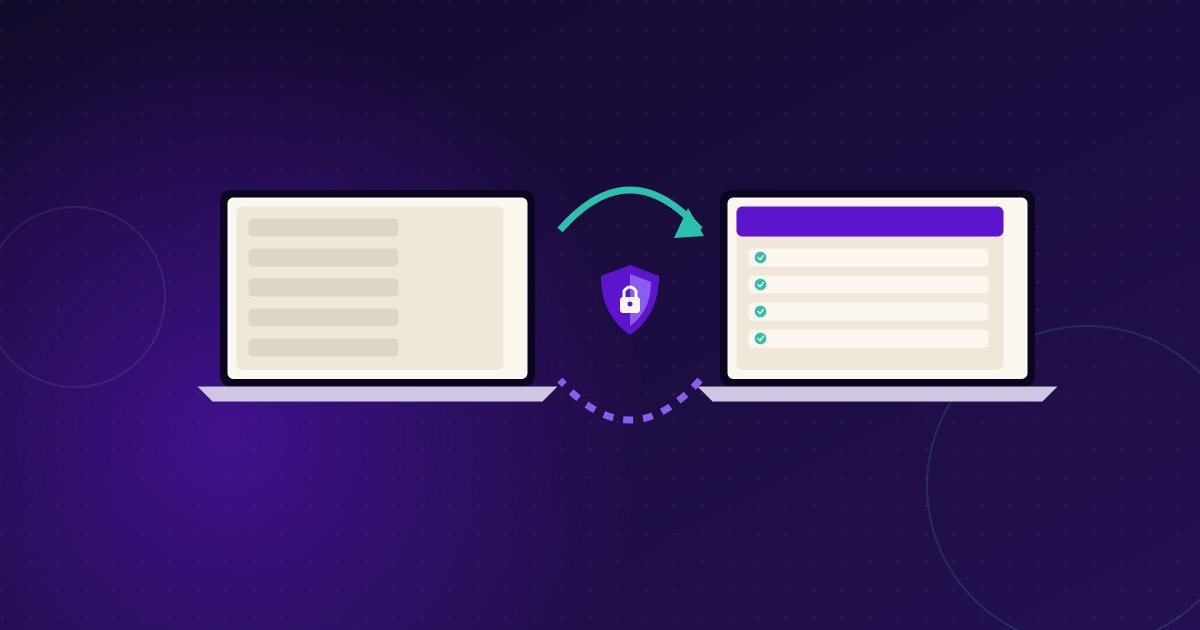
Changing systems can feel risky because appointments and records are part of daily care. A safe transition begins with planning, not with importing files. Define the reasons for change, identify workflows that cannot stop, assign decision-makers, and agree what evidence will show that the new process is working. No migration plan can promise that every record will transfer perfectly; validation and clear responsibility are essential.
1. Map the current environment
List where information lives: the existing software, spreadsheets, paper files, messaging accounts, and staff workarounds. Identify record types, attachments, appointment history, consent information, and any records subject to special handling. Ask who is authorized to access each source. Do not copy sensitive information into informal personal accounts or unapproved devices.
Document common journeys from booking through follow-up. Include exceptions such as cancellations, duplicate patient profiles, incomplete records, and corrections. Ask staff what they depend on most and what causes delays. This map helps set priorities and prevents an apparent data migration from overlooking daily operational steps.
2. Set scope and responsibilities
Create a written migration plan with named owners at the clinic and vendor. Specify which datasets are in scope, how they will be prepared, how the vendor will receive them, and how the clinic will verify results. Agree on a secure transfer method and access limits. Clarify which tasks are the clinic’s responsibility and which are included in the vendor’s written quote.
Ask the outgoing provider about available export formats, timing, fees, and contractual limits. Ask the new vendor to review sample files through an approved process and identify limitations before the project begins. Do not assume that a file can be imported merely because it can be downloaded. Request a mapping of fields and a plan for attachments, dates, codes, and duplicate entries.
3. Clean and validate records
Set rules for duplicates, incomplete fields, and inconsistent naming. Preserve the original source securely and document any transformation. A sample migration can reveal issues before a larger transfer. Compare record counts and inspect representative records, including attachments and appointment histories. Have designated clinic users confirm that the information is understandable and usable.
Keep a log of exceptions and decisions. Define how corrections will be made and who approves them. Reconcile discrepancies rather than silently discarding data. Clinics should consult appropriate advisers on retention and privacy obligations, including potential duties under Egypt’s Personal Data Protection Law No. 151 of 2020. Confirm specific obligations with counsel or authorities.
4. Prepare staff and patients
Explain why the change is happening, what is changing, and where staff can get help. Provide role-based practice using realistic tasks: booking, locating a record, updating information, and handling follow-ups. Identify a small group of trained users who can gather questions and escalate issues. Tell patients about changes to booking or communication only when necessary, using clear clinic-approved language.
CareSync is a bilingual Arabic/English white-label patient engagement platform with booking, reminders, a patient app, care programs, and dashboards. If evaluating it, confirm which workflows and migration services are included in the scoped proposal; pricing is quoted after scoping. Do not infer that a platform guarantees uninterrupted operations or transfers every data type without validation.
5. Choose a cutover approach
A clinic may transition in stages or choose a defined changeover date. The right approach depends on system capabilities, operational risk, and the clinic’s ability to reconcile information across systems. Ask the vendor to document the proposed approach, access controls, support arrangements, and rollback or contingency steps. Avoid uncontrolled parallel entry, which can create conflicting records. Identify the authoritative system for each type of information during any transition period.
Before cutover, test access, appointment workflows, user permissions, reminders, and reports. Check that staff know how to handle urgent issues and downtime. Keep a contact list and escalation process available. On the changeover date, monitor the agreed tasks and record issues with enough detail to reproduce them safely.
6. Review after launch
Schedule regular check-ins during the agreed transition period. Review unresolved migration exceptions, staff feedback, patient questions, and task completion. Compare with the baseline the clinic recorded before switching. Treat early problems as evidence to investigate, not as proof that the system will or will not succeed. Record decisions, owners, and due dates.
Questions to settle in writing
Confirm scope, fees, data security, responsibilities, validation criteria, support channels, and the end-of-contract process. Ask how the clinic can retrieve its information in usable form if it later changes providers. Agree who approves the final migration and how unresolved exceptions are handled. A careful transition protects continuity by making assumptions explicit and giving the clinic a way to verify each step.
Next step
Discuss migration questions and workflows in a book an Egypt demo.